Customisable Accounting & POS Software
For small and owner-managed businesses.
Available in English and Arabic.
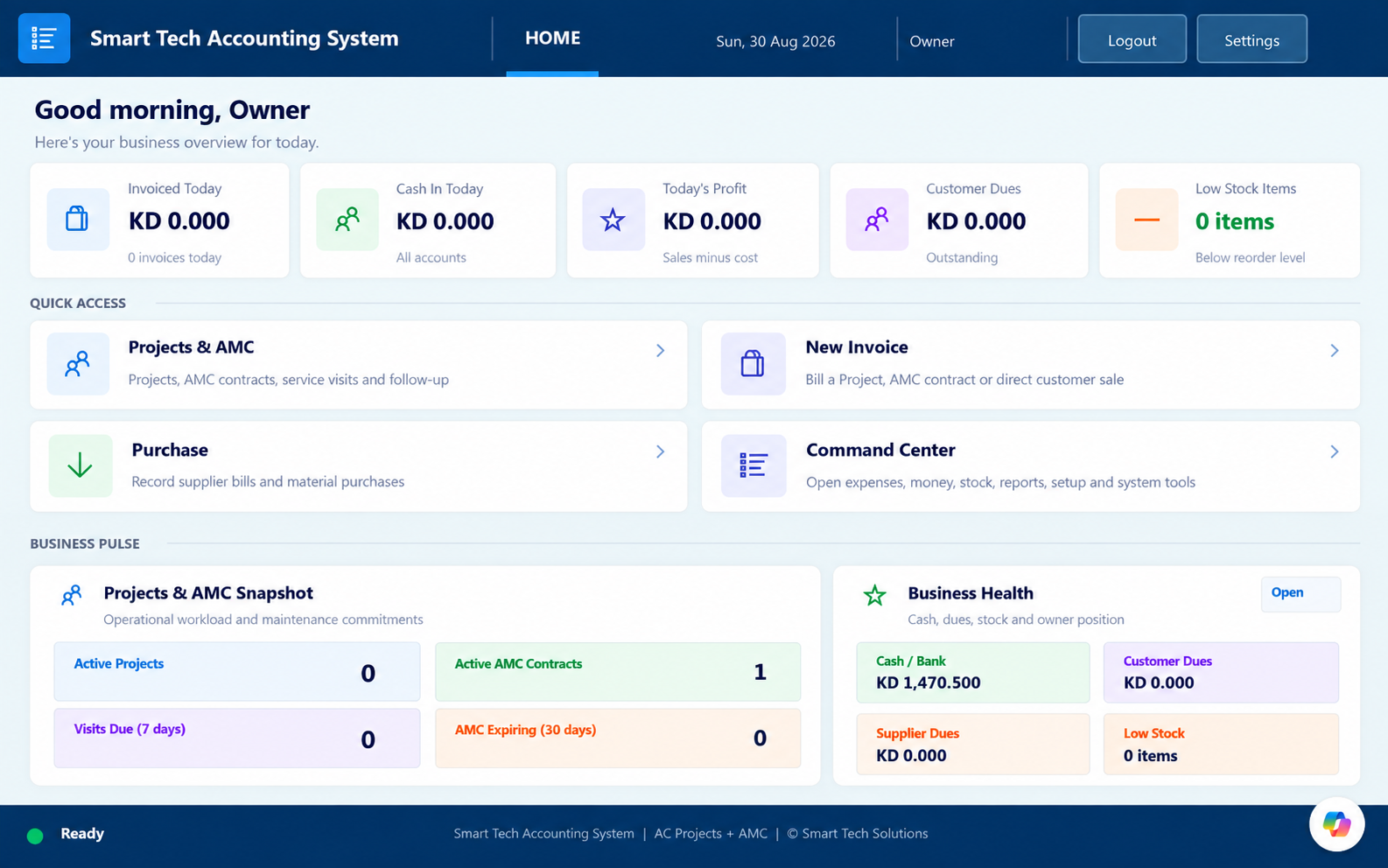
Choose your business
Open the closest business type to try its STAS workflow.
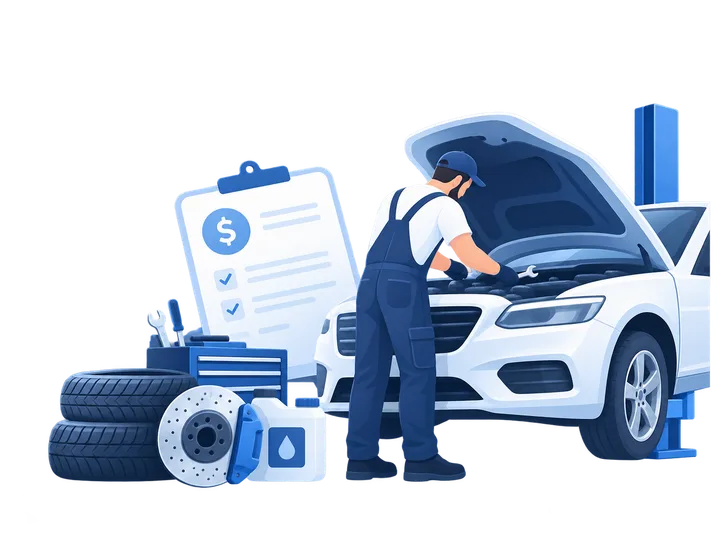
Garage & Workshop
Jobs · Parts · Labour · Invoices

Retail / Product Business
POS · Stock · Customers · Suppliers

Restaurant, Café & Takeaway
Dine In · Takeaway · POS · Sales

Bakery & Cake Shop
POS · Cake Orders · Stock · Reports

Salon & Beauty
Appointments · Services · Touch POS
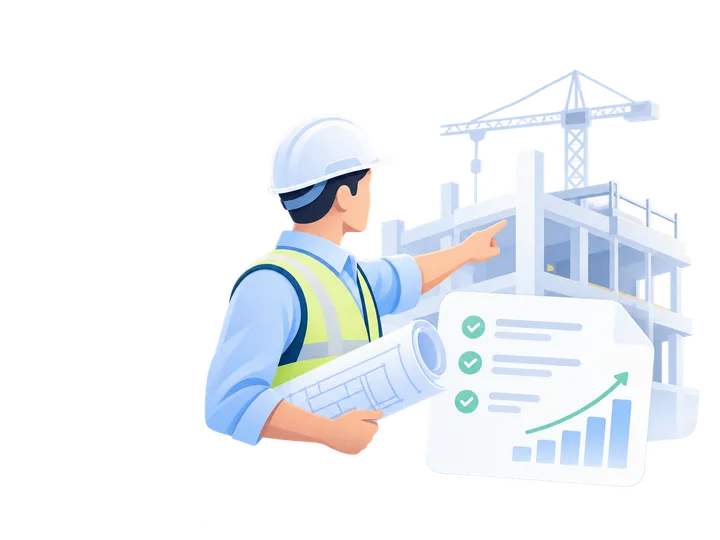
Projects & Contracting
Quotes · Projects · Progress Billing
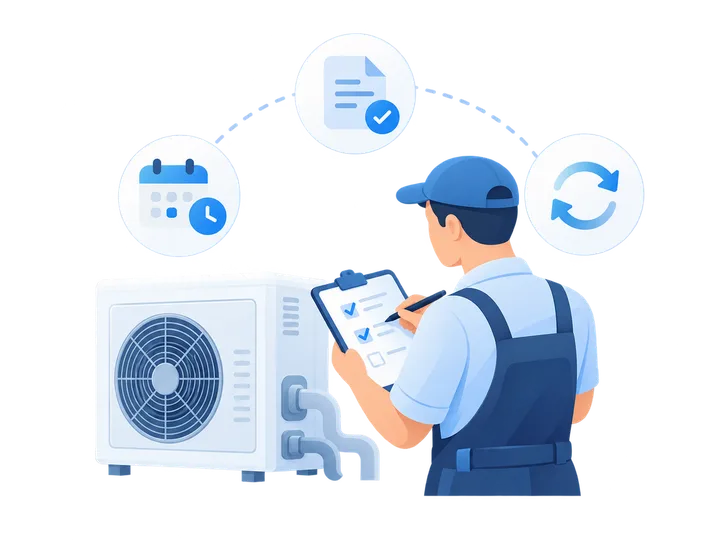
Maintenance & AMC
Contracts · Visits · Renewals
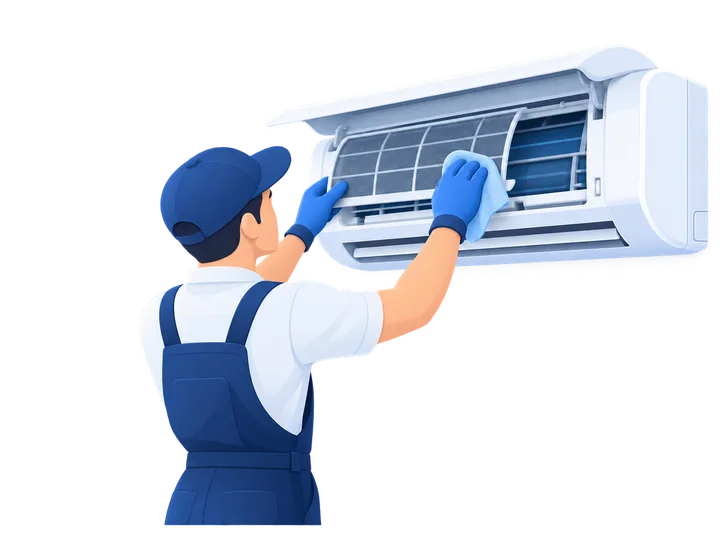
AC / HVAC
Service Jobs · Equipment · Technicians
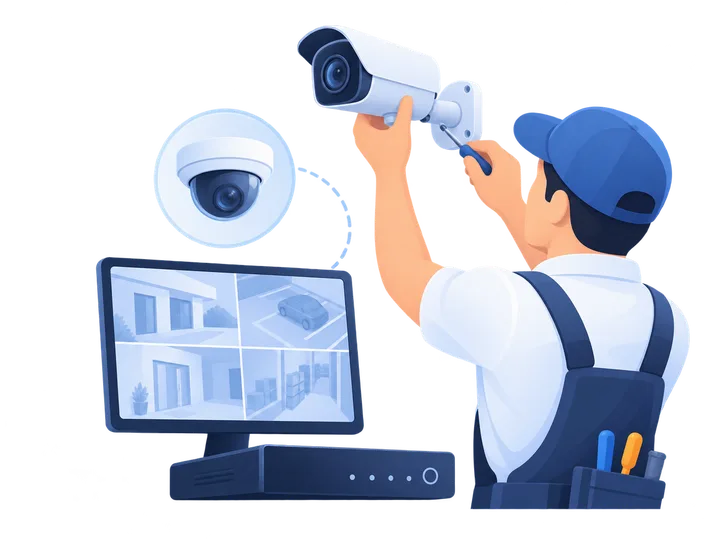
CCTV & Security
Survey · Installation · Devices
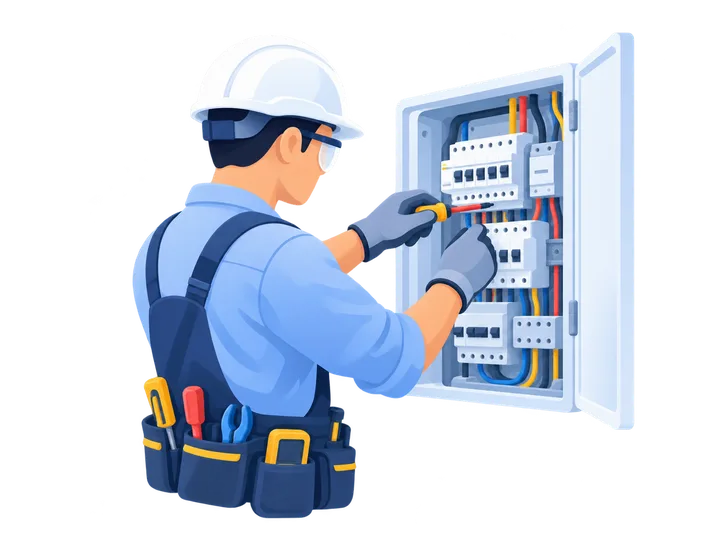
Electrical
Jobs · Materials · Safety Checks

Cleaning / Facility Services
Teams · Visits · Checklists

Professional Services
Proposals · Time · Billing
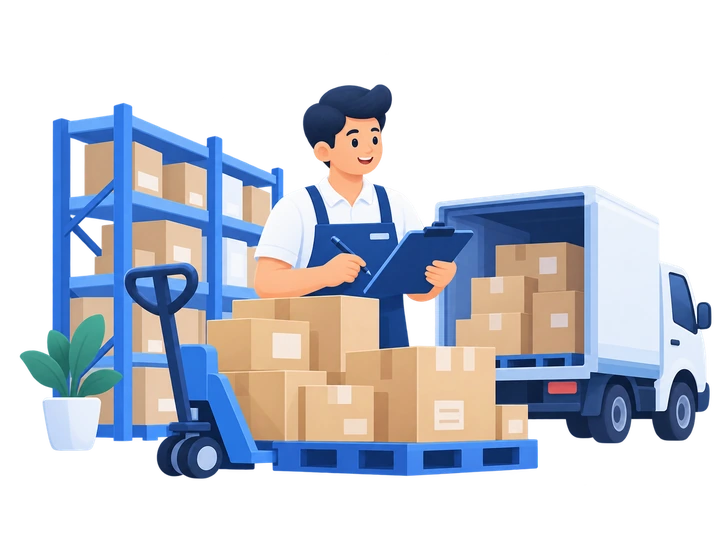
Trading Companies
B2B Orders · Stock · Purchasing

Other Business
Tell us what you need
What STAS manages
Configured for your business
Forms, fields, reports and workflows can be adjusted to match how your business operates.
How setup works
1
Tell us your business type and workflow2
We configure STAS for your operation3
We deliver the system and help you startFrequently Asked Questions
Straight answers to the questions businesses ask before choosing STAS.
What is STAS?
STAS is a customisable accounting and business-management system built around the way your business actually works.
Is STAS suitable for my type of business?
STAS supports retail, services, projects, maintenance, workshops and more. If your business is different, we can assess the workflow and configure the right setup.
Can STAS be customised for my business?
Yes. Your initial STAS setup is customised to suit your business and workflow. If your needs change later, STAS can be further adapted on request.
Is STAS cloud-based?
Standard STAS runs on your business computer. Cloud-backed options such as OneDrive backup and selected remote-access arrangements can also be configured where suitable.
Can I use STAS on my phone?
STAS data entry is designed for desktop and laptop use. Selected reports and business information can also be made available for mobile viewing where required.
Can more than one staff member use STAS?
STAS can be configured around your staff workflow. Multi-user or multi-computer requirements can be planned during setup.
Can STAS manage sales, purchases, expenses and customer dues?
Yes. These core business records can be managed within STAS according to the version and workflow configured for your business.
Can STAS manage stock and items?
Yes. Stock, items and materials can be included for businesses that need inventory control.
Can STAS create invoices, receipts and reports?
Yes. STAS can generate the business documents and reports required for your configured workflow.
Can my existing customer, item or business data be moved into STAS?
Yes, where the existing data is suitable for import. We review the data first and use the safest setup approach.
What if I need changes after STAS is set up?
STAS can grow with your business. New reports, controls, workflows and features can be added as your requirements change.
Do you provide training and support?
Yes. Setup includes guidance on using the system, with ongoing support options available according to your requirements.
How much does STAS cost?
Pricing depends on your business type, workflow and setup requirements. The STAS team will recommend the appropriate configuration and quotation.
What if my business is not listed on the website?
Choose Other Business or contact the STAS team and tell us how your business works. We will assess whether STAS can be configured for it.
Contact STAS
For the quickest response, message us directly on WhatsApp. If you prefer a structured enquiry, send your business details using the form and we will contact you personally.
Fastest way to reach us
Start a direct conversation with STAS on WhatsApp.
WhatsApp STAS